Blog ·
Build your website together
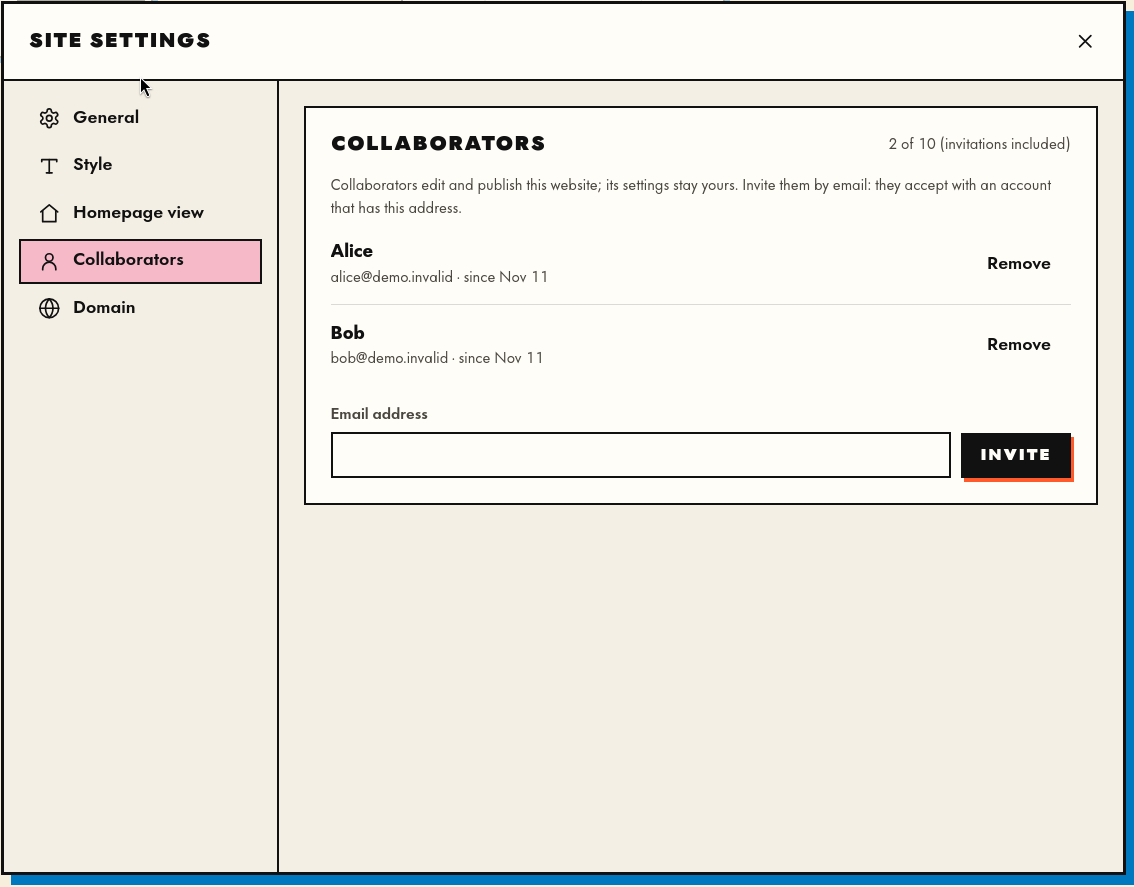
Making your website is fun but making it with your friends is even better. You can now invite collaborators to your website: they edit, upload and export, while the site’s settings stay yours.
Open Site settings → Collaborators, type an email address and click Invite. The invitation arrives by email. If the person already has a Mapnil account, they accept with it. If not, they choose a name and a password, and they are in. Free accounts can invite up to 3 collaborators per site, Supporter accounts up to 10.
Working at the same time
Everyone can be in the editor at once, each on a different part of the map. Every change you save shows up on the others’ screens within a second, so the map they see is always the current one.
What we did not want was two people typing in the same paragraph, each undoing the other’s work without knowing it. So the rule is simple: one node, one person at a time.
Who is working on what
When you select a node (a text, an image, a video, a 3D model), it is yours until you let go of it. On everyone else’s map it gets a label with your name:

and a dashed orange border around it:
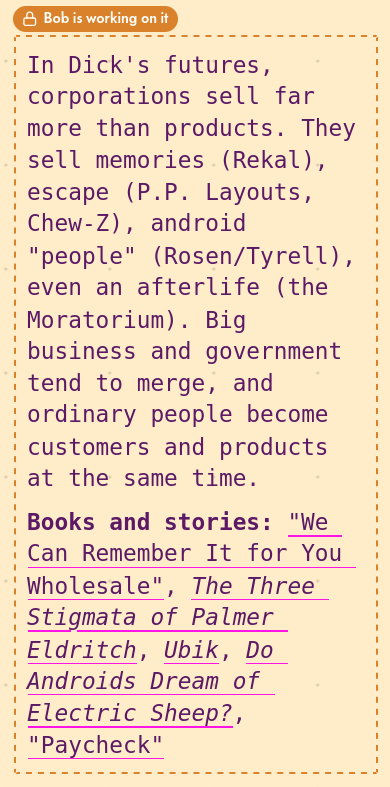
If you click a node someone else is working on, nothing is taken from them. The node stays theirs, and a message tells you who has it:

Why it works this way
- A node is the natural unit of a map. People divide the work by area: you take the left column, a friend takes the right one. Holding whole nodes fits the way people already share a map.
- No surprises. Your text never changes under your cursor, and nothing you write is silently overwritten. If you can edit a node, it is yours until you deselect it.
- Nothing stays stuck. A node is free again as soon as its holder deselects it or closes the tab. If someone simply walks away from a crashed laptop, it frees itself within half a minute.
- The server checks it too. The labels are not only a courtesy in the interface: the server refuses a change to a node someone else holds, so even a slow connection or an old tab cannot overwrite their work.
- The same goes for you. Open your site in two tabs and the second one shows “You, in another tab” on what the first has selected.
See it
Here, we edit the middle column while Alice joins and rewrites the left one, and then Bob the right one: